Plant engineering
Industrial plants, with a progress report that matches the hours
In plant engineering the progress report is the document that matters. CantiVera reads it, breaks it into items and attaches the crew’s hours, so you know whether what you declare holds up before the meeting.
Where the margin leaks
Items that swallow hours
Piping takes 40% more hours than planned and you find out at commissioning.
Reports written the night before
The declared percentage is a guess from memory, not data.
Crews across several sites
The same people work on three jobs and hours end up on the wrong one.
How CantiVera helps
- 1
The report becomes structure
Upload the PDF and get items with estimated hours, ready to receive actual hours.
- 2
Declared versus worked
For every item, the declared percentage next to the hours spent.
- 3
Margin while you work
Earned revenue minus full cost, with overtime and travel at their real price.
- 4
No hour counted twice
Clock-ins and signed sheets never add up by mistake.
Most used features in plant engineering
Progress reports read by AI
Upload the progress report PDF and AI turns it into work items with estimated hours.
Progress report generated for the client
From measured progress, CantiVera prepares the report with items, percentages and photos. You check and sign.
Declared progress, verified
You declare the percentage of each item; CantiVera puts it next to the hours actually spent.
Revenue and margin while the job is open
Earned revenue minus full cost while the work is still running, not at year end.
Double-counted hours blocked
The same hours can arrive from two channels. CantiVera recognises them and never counts them twice.
Progress photos
The crew’s photos land on the right item, with date, time and author. See the site without going there.
The data chain
Enter it once. It flows all the way to the margin.
Each link feeds the next without retyping anything: from the quote to the analysis, the same data runs through the whole job.
- 1
Quote
The estimate with hours and costs.
- 2
Job
The quote becomes work, with client and crew.
- 3
Report or plan
Items from the PDF, or phases and tasks.
- 4
Hours
From the app, a clock-in or a paper sheet.
- 5
Costs
Hours at full cost, plus subcontracts and rentals.
- 6
Analysis
Deviations, risks, revenue and margin.
Data is entered once and flows all the way to the margin. No spreadsheet in between.
Without changing the job site
Everyone logs hours the way they prefer.
By voice, in the app, with one tap or by pen on a sheet. The hours all land in the same place, on the right item.
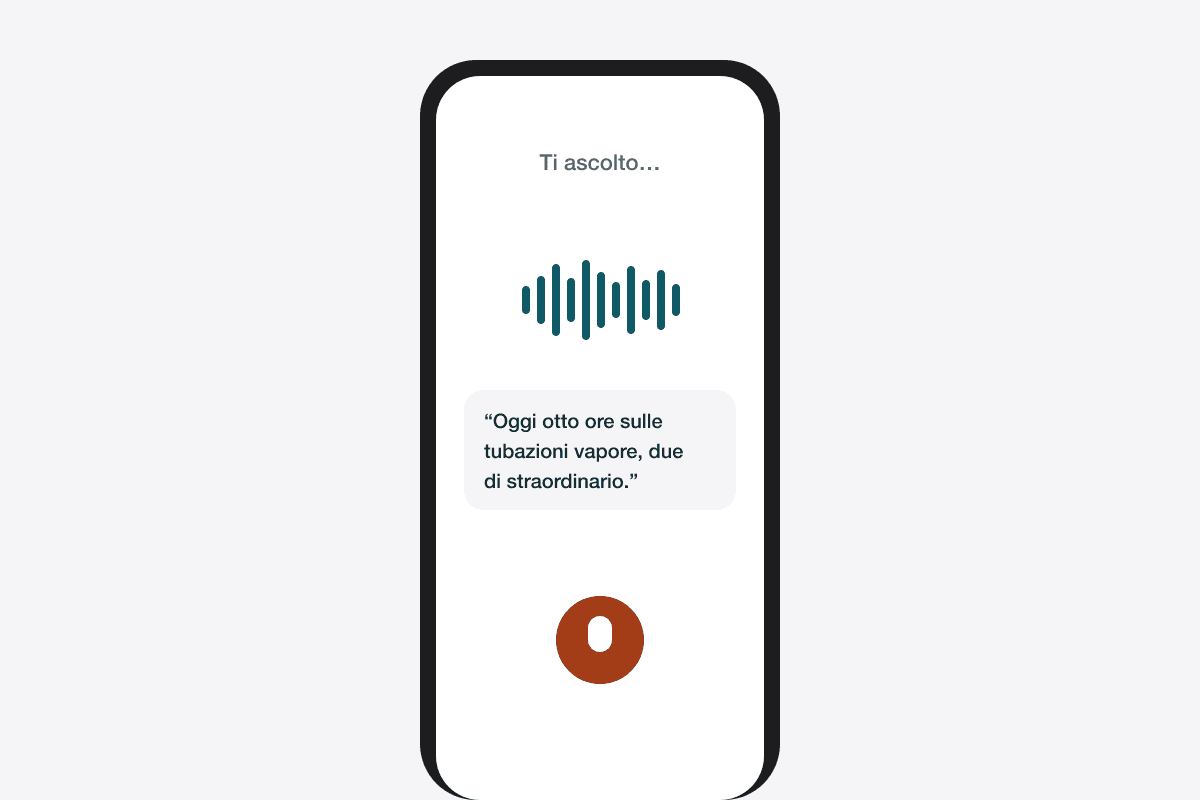
By voice
Say what you did and the voice agent fills in the activity. You confirm.
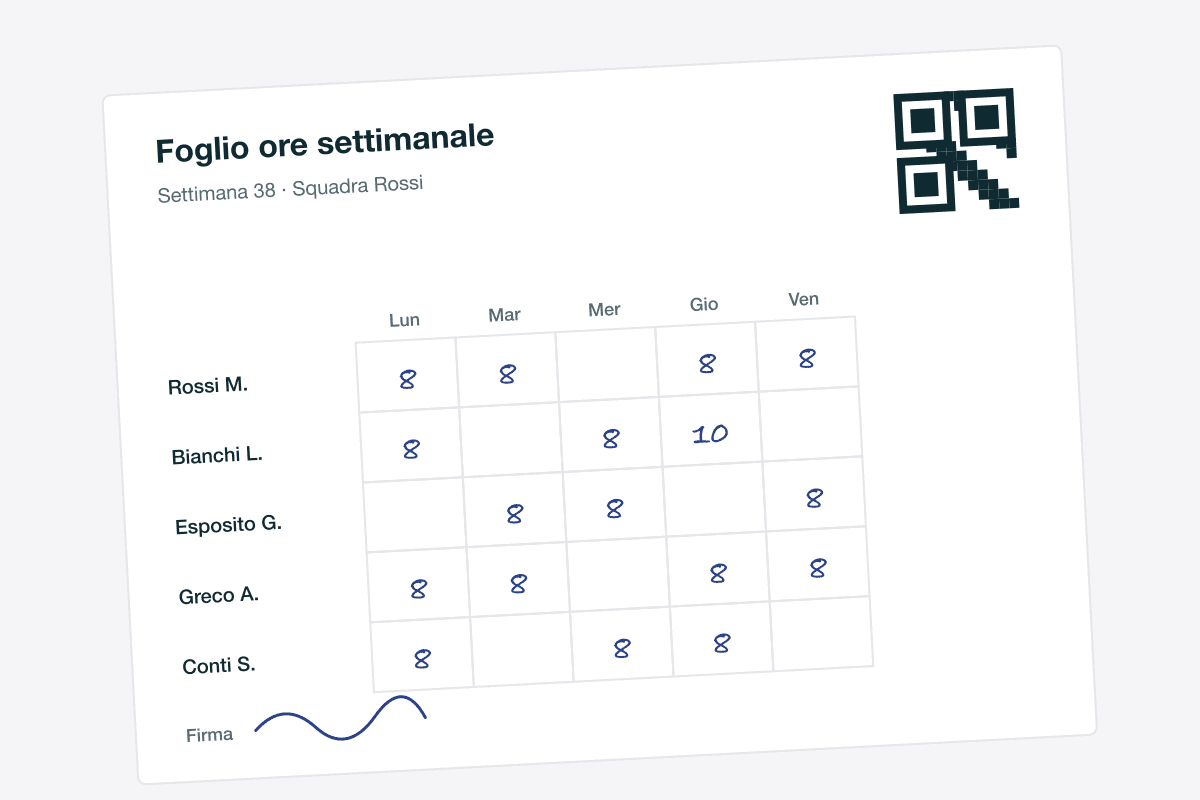
Signed sheet, read by AI
The crew writes by pen, you photograph the sheet. AI reads names and hours and enters them for you.
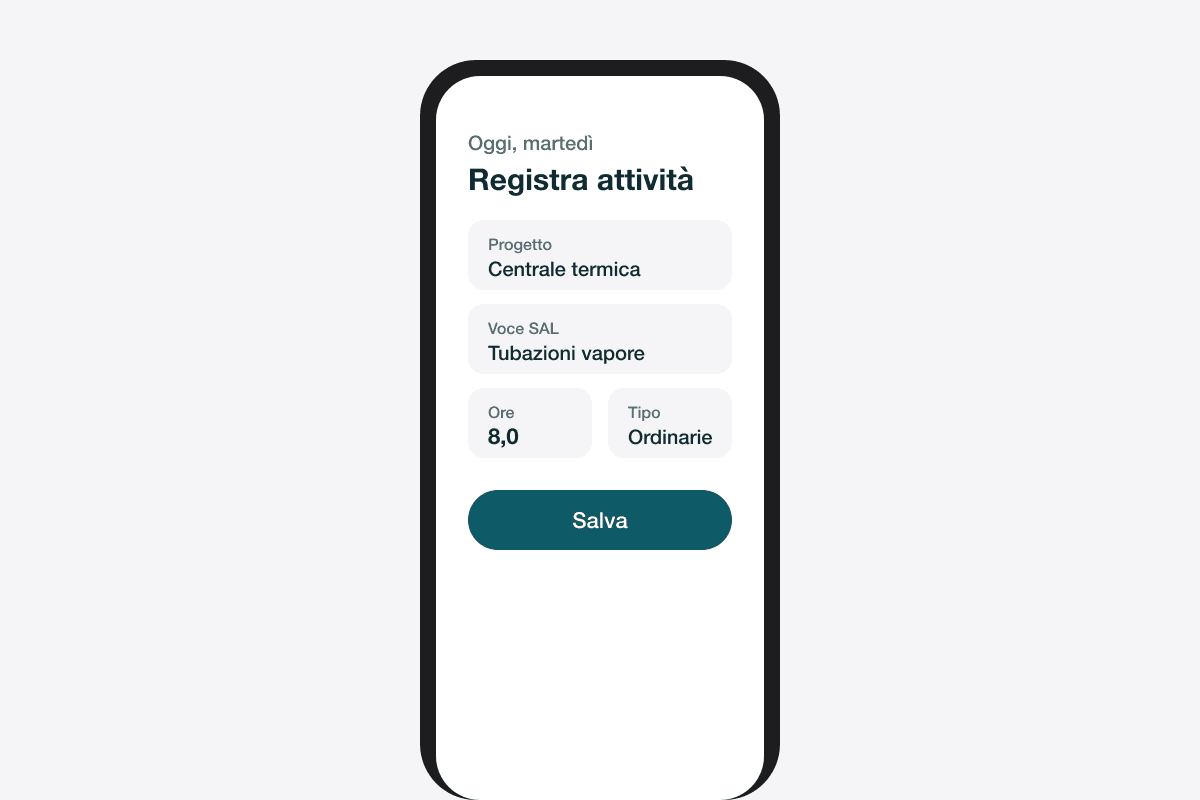
In the app
Activities, hours and photos from the phone, on the report item or the task.
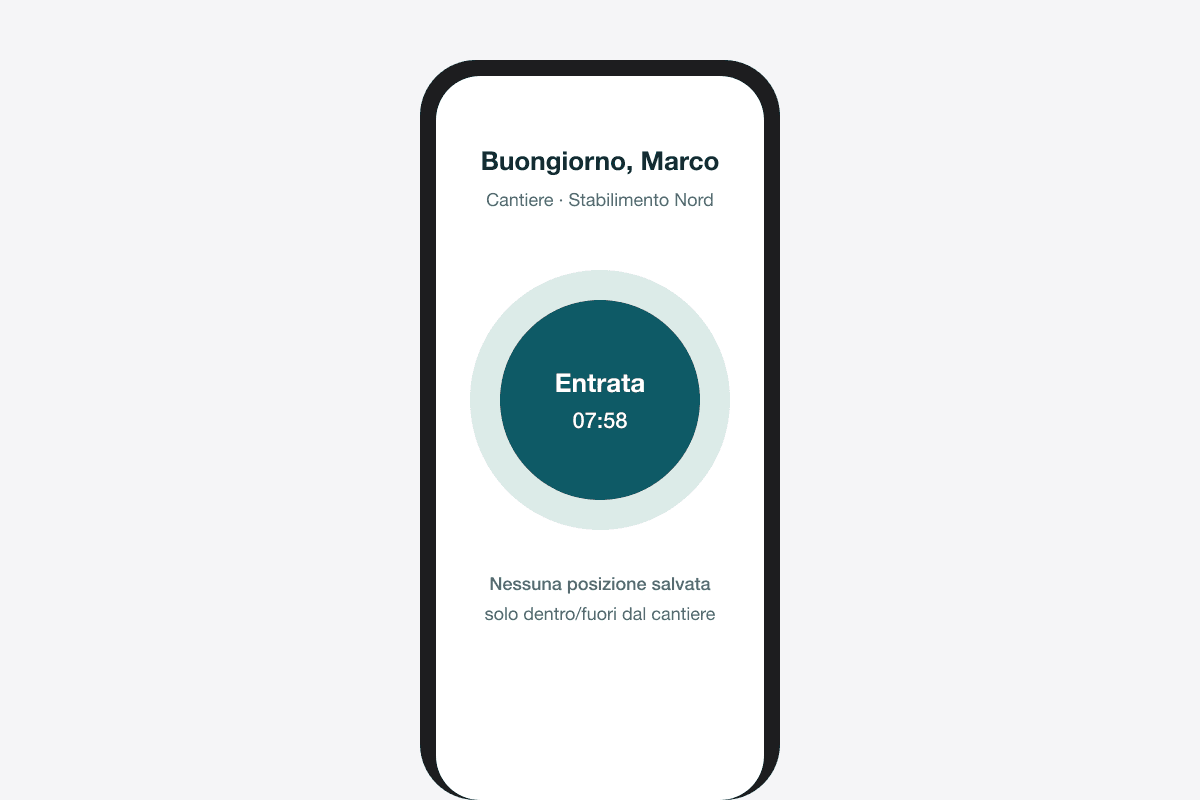
One-tap clock-in
Clock in and out of the site. No location stored, consent required.
Double-counted hours do not get through
Four channels mean the same hours can come in twice: a clock-in and a signed sheet for the same day. CantiVera recognises the overlap and does not count it. Costs, progress and invoices stay true.
See your job sites as they really are.
A thirty-minute demo on one of your real jobs: we upload the report, connect the hours and look at the margin together.
No commitment. A person replies within one working day.