For contract businesses of 3 to 50 people
What is really happening on your job sites?
Know which job is losing money while it is still open. Not when it is over.
The problem
Today the job site lives in three different places.
None of them is wrong. The trouble is they do not talk to each other, and you see the result only at the end.
Work assigned on WhatsApp
Assignments travel through chats, voice notes, photos and forwarded messages.
The resultDelays surface when catching up costs twice as much.
Hours on paper sheets
Signed sheets arrive at the end of the week, if they arrive, and have to be retyped.
The resultYou do not know how many hours went into which job, or what they cost.
Progress reports written by hand
The progress report is written on Sunday night, before the client meeting.
The resultWhat you declare cannot be verified, and you learn the margin once the job is closed.
The result
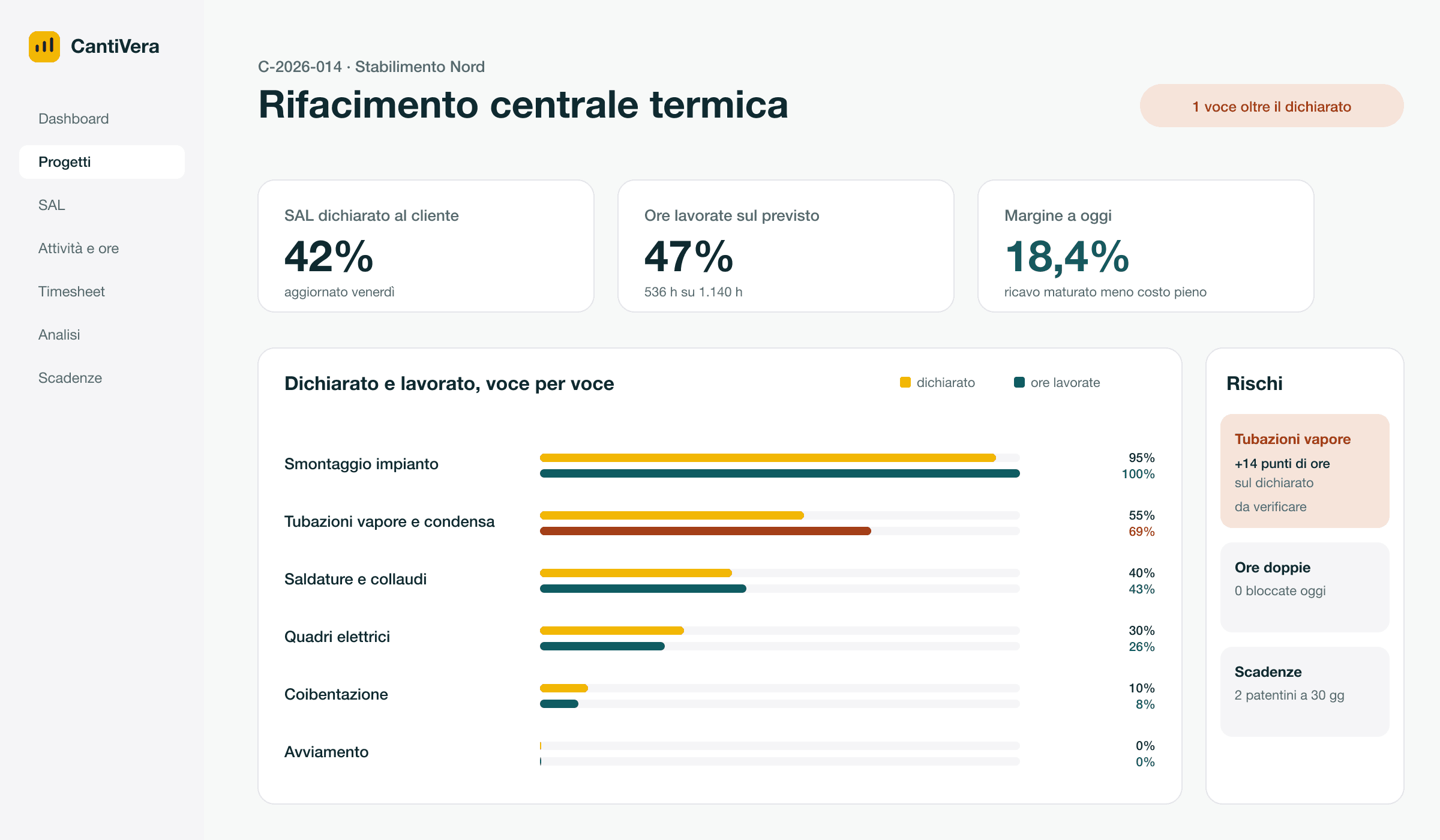
Every Friday, three answers.
What you declared to the client, what the crew actually worked, and what is left for you.
- Declared to the client
- 42%
- Progress on the report, item by item.
- Actually worked
- 47%
- Crew hours against plan, whichever channel they came from.
- Margin to date
- 18.4%
- Earned revenue minus full cost, with overtime and travel at their real price.
Figures from a demonstration job.
How it gets there
From PDF to risk, in three steps.
Try it here. It is the same path one of your jobs takes, with sample data.
Demo · simulated data, no file is sent
- 1Reads the report
- 2Hours arrive
- 3The check
Reads the report. Upload the PDF you signed. AI turns it into items with planned hours.
Sample data. In the product every item stays editable before you confirm it.
Without changing the job site
Everyone logs hours the way they prefer.
By voice, in the app, with one tap or by pen on a sheet. The hours all land in the same place, on the right item.
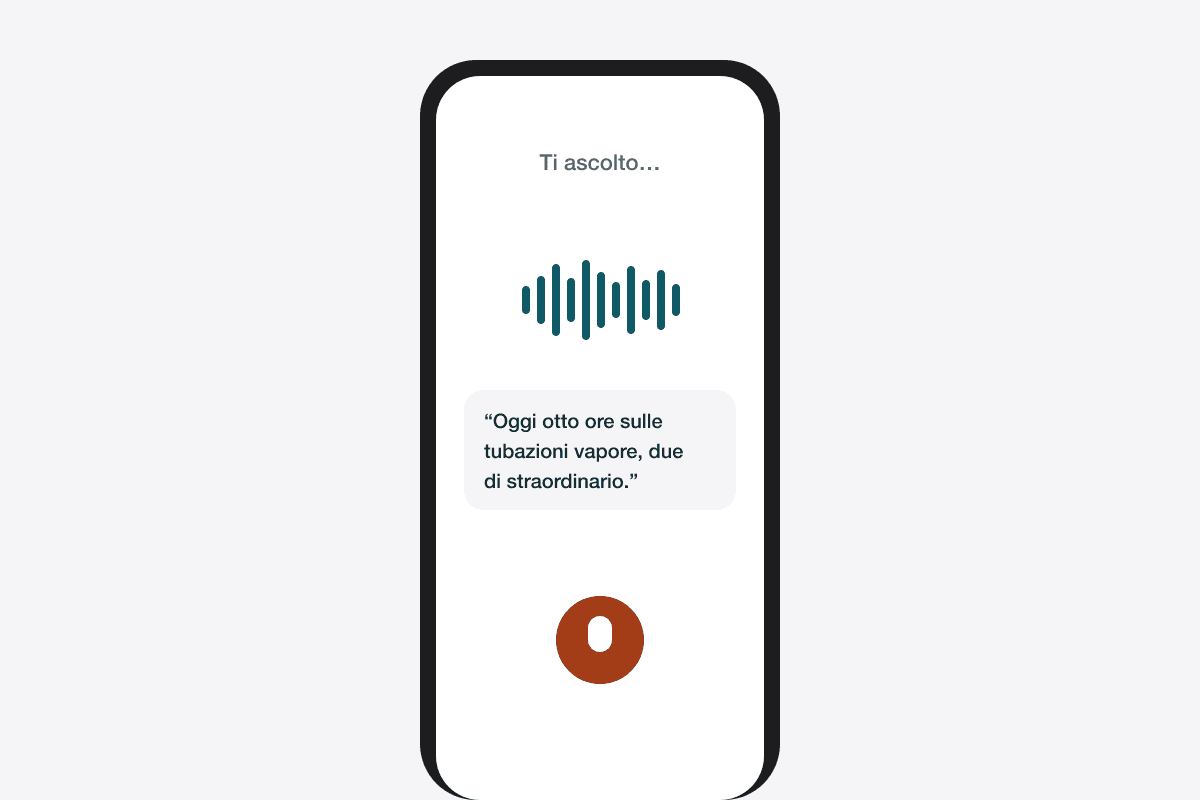
By voice
Say what you did and the voice agent fills in the activity. You confirm.
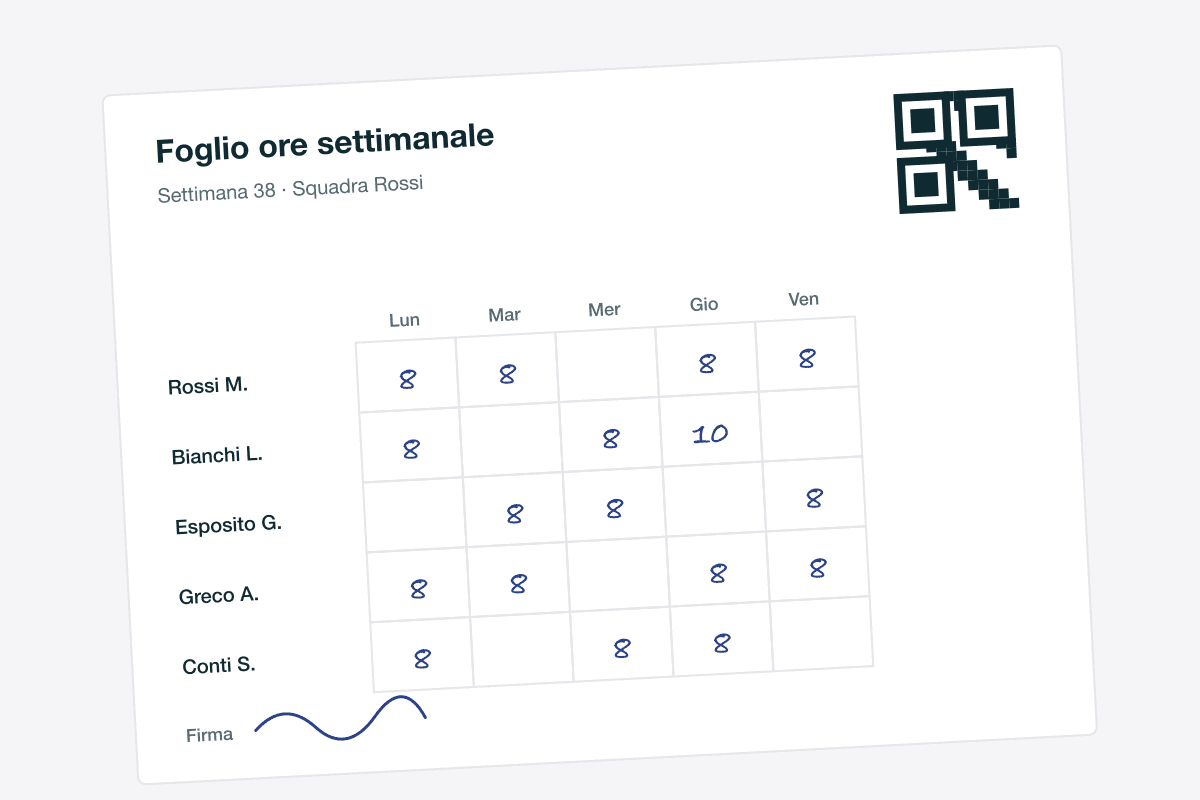
Signed sheet, read by AI
The crew writes by pen, you photograph the sheet. AI reads names and hours and enters them for you.
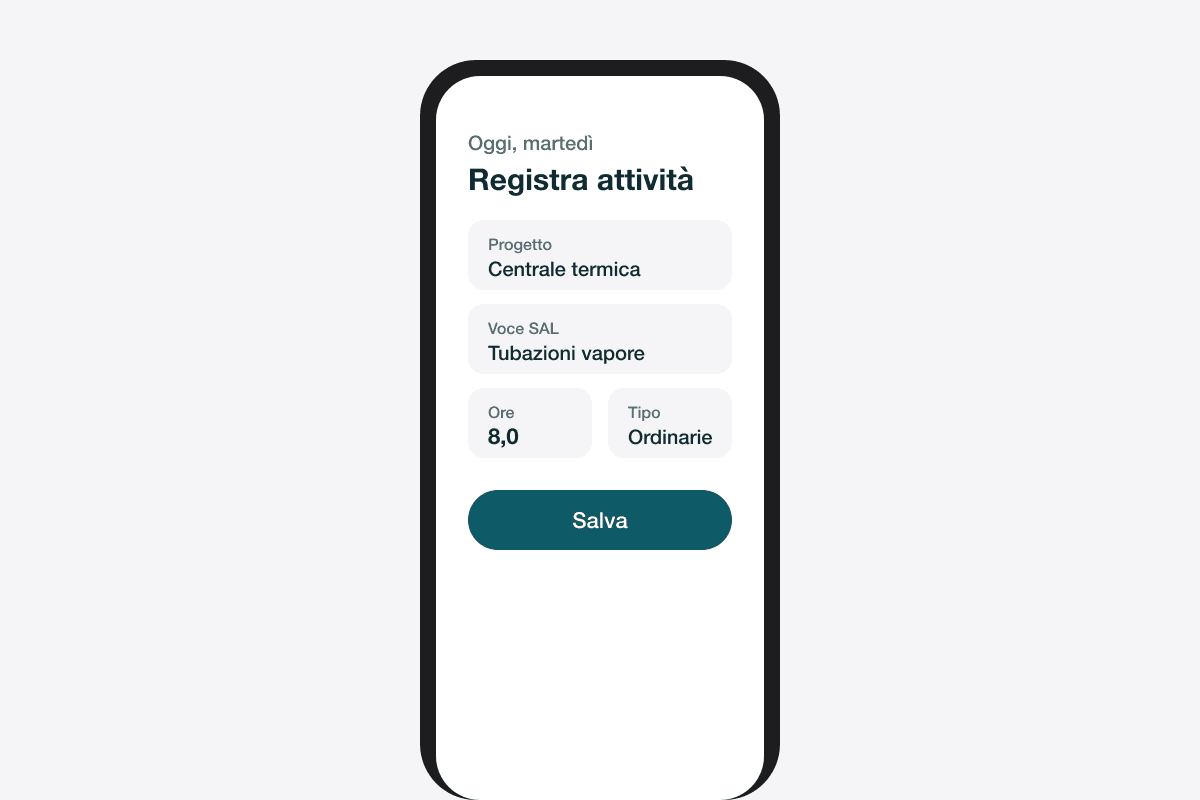
In the app
Activities, hours and photos from the phone, on the report item or the task.
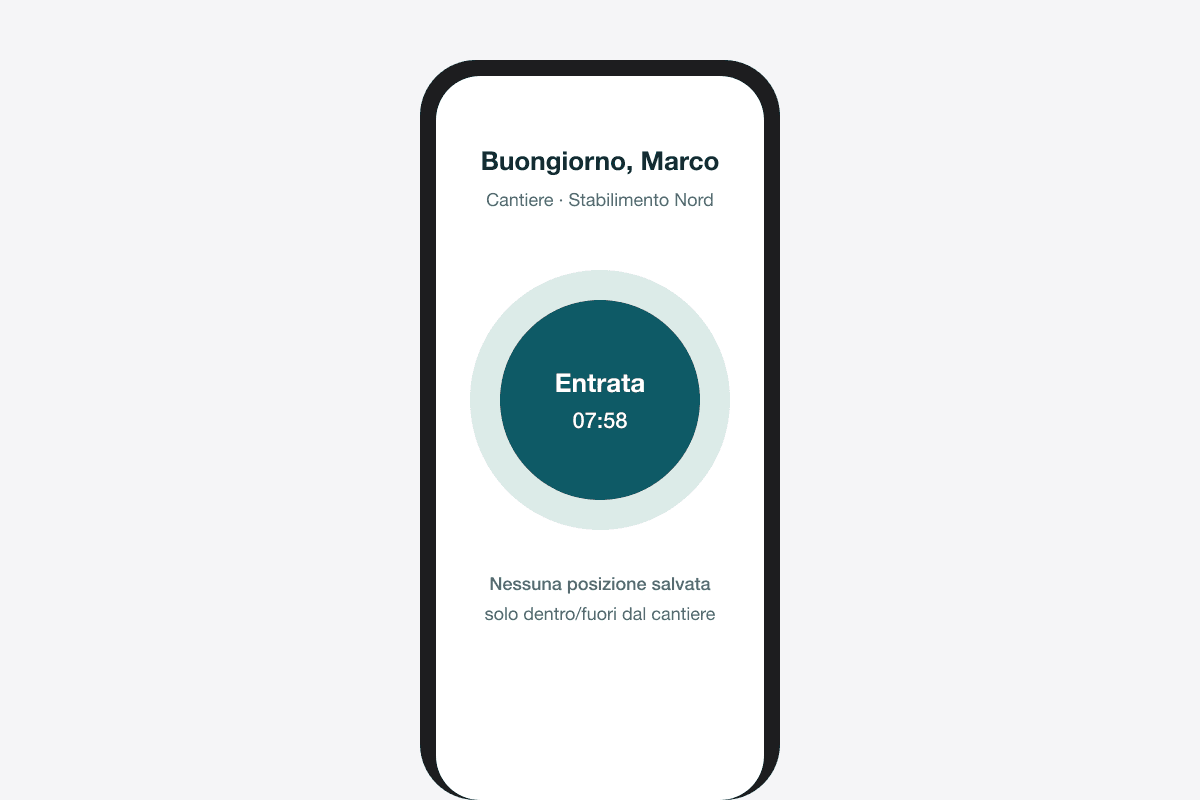
One-tap clock-in
Clock in and out of the site. No location stored, consent required.
Double-counted hours do not get through
Four channels mean the same hours can come in twice: a clock-in and a signed sheet for the same day. CantiVera recognises the overlap and does not count it. Costs, progress and invoices stay true.
Voice agent
Say it. It is logged.
End of the day, gloves still on. Press a button and say what you did: the agent understands job, item, people and hours, and prepares the activity.
- Understands how you talk on site: “the boiler room”, “the manifold”, “Luca”.
- Saves nothing without your confirmation.
- Owners can ask too: “How many hours on the boiler room this week?”
Listening…
“Today with Luca eight hours on the boiler room steam piping, two of them overtime. North manifold finished.”
Activity ready
- Job
- Boiler room
- Item
- Steam piping
- People
- Marco, Luca
- Hours
- 8 + 2 overtime
Progress photos
See the site without going there.
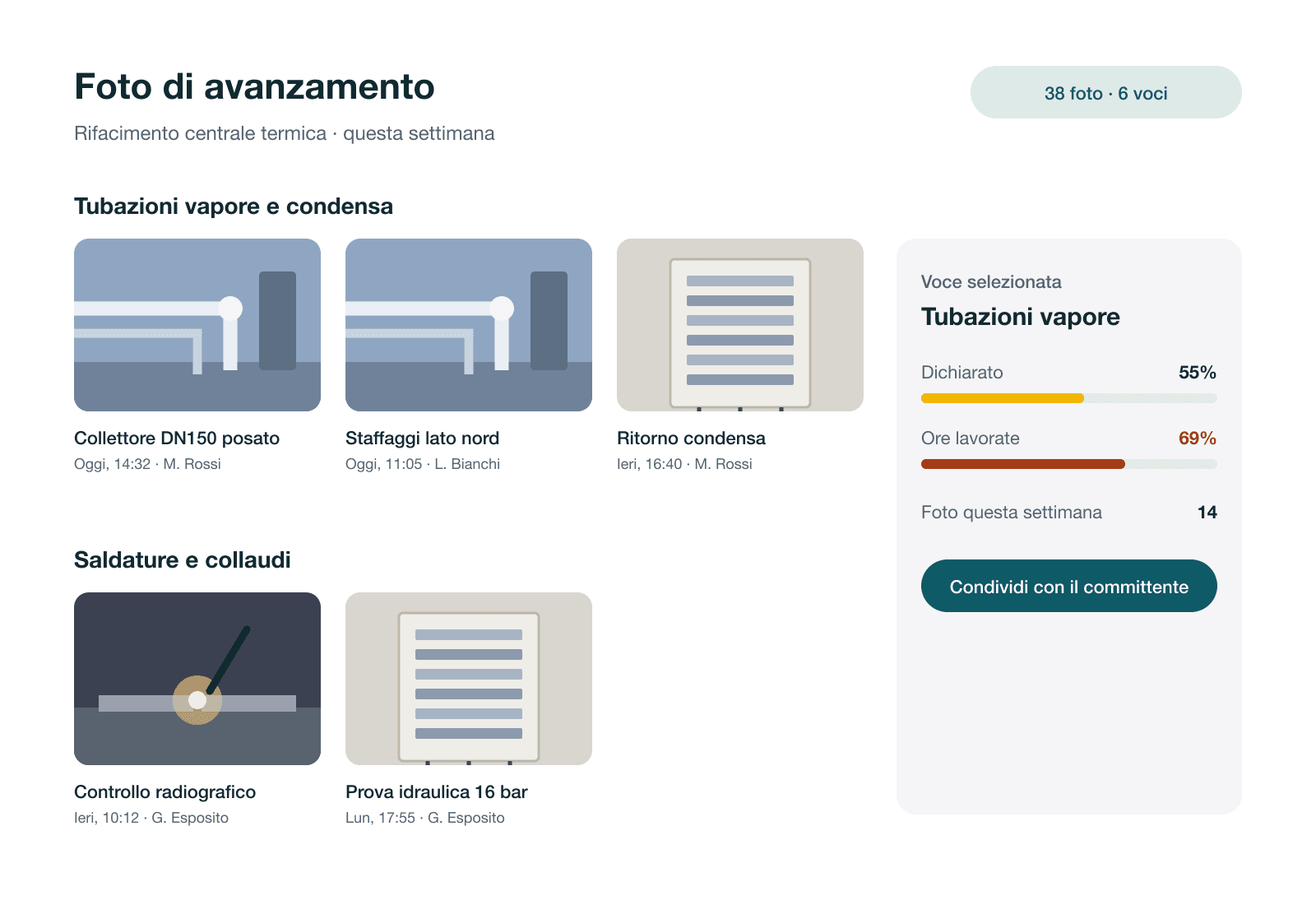
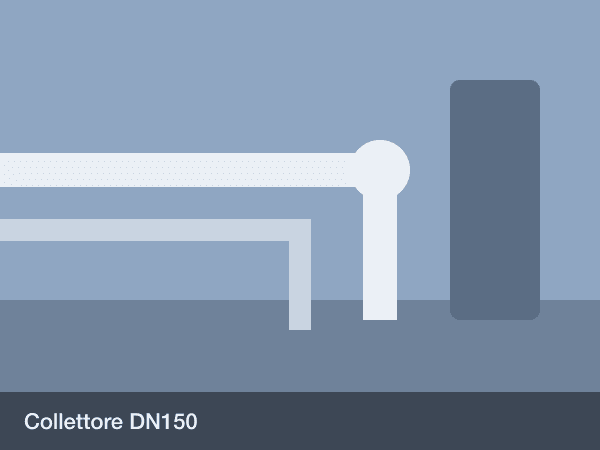
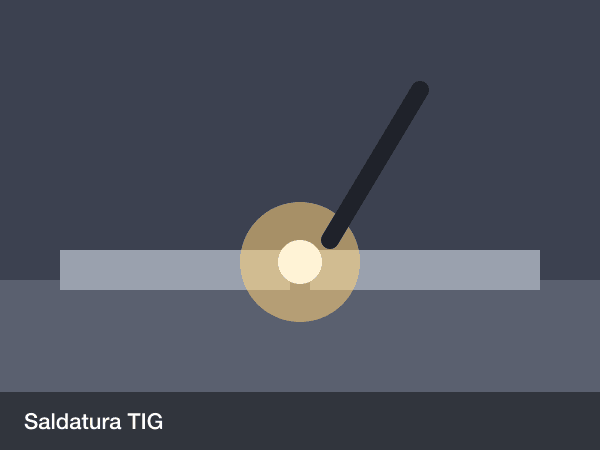
Every photo the crew takes lands on the right item, with date, time and author. Open the job and see how it really is, not how it was described to you.
- Photos attached to report items or tasks
- Timeline per job, per item, per person
- Shared with the client in one click

Generated report
The progress report writes itself.
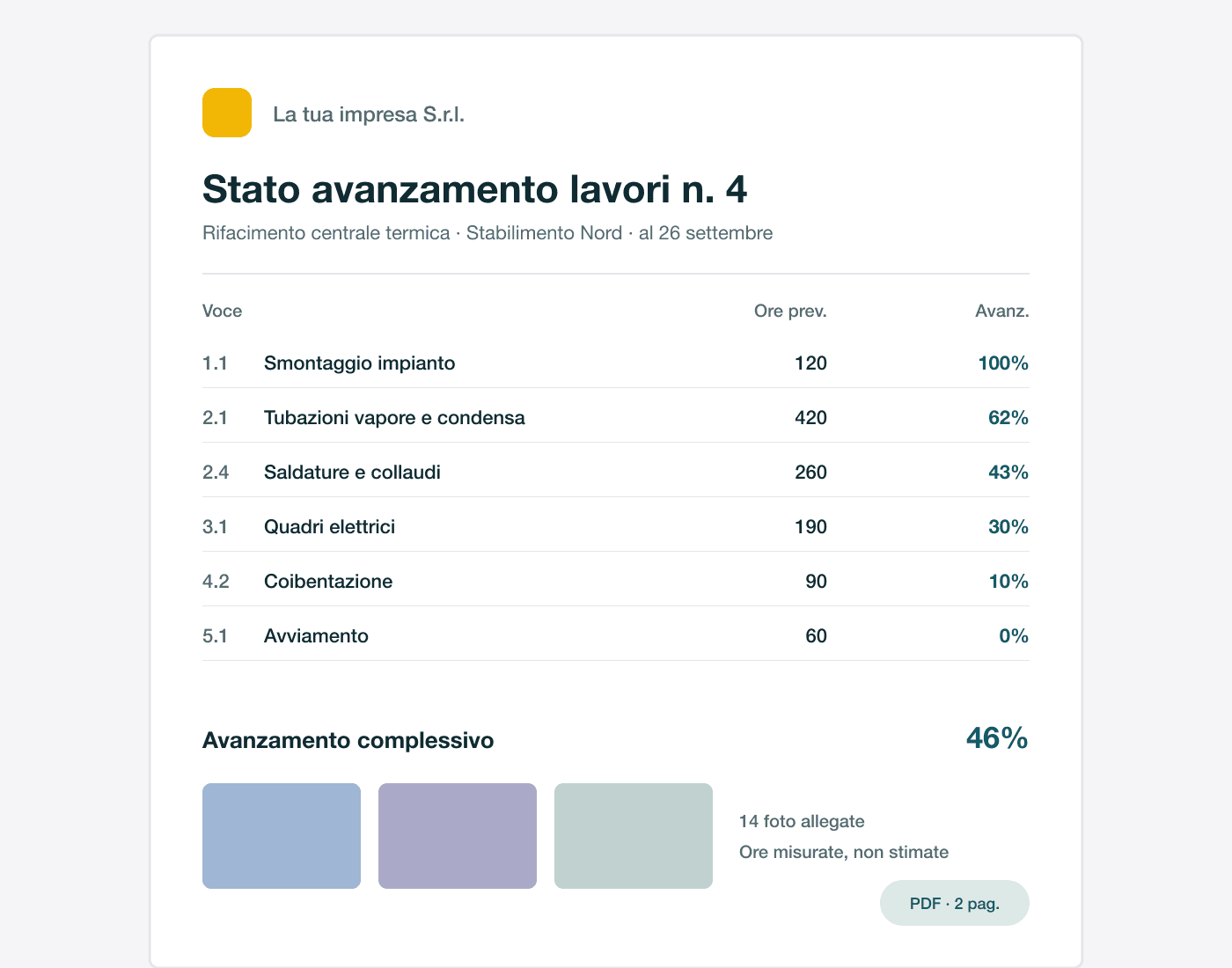
From measured progress, CantiVera prepares the report for the client: items, percentages, photos attached. You check it, sign it, send it. Your Sunday nights are yours again.
- Percentages from hours worked, not from memory
- Regular client updates, with photos
- PDF with your letterhead, ready to sign
Who uses it
Three people, three different screens.
Everyone sees what they need to work. Costs and margins never reach workers: it is not a setting, it is the structure.
Owner
Wants to know which jobs pay and which are slipping, without opening three spreadsheets.
- Margin per job and per hour
- Risks and deviations on one screen
- Progress report ready for the client
Site manager
Organises crews and makes sure hours are the right ones, on the right item.
- Confirms the crew’s hours
- Updates item progress
- Keeps an eye on deadlines and licences
Worker
Logs hours in the simplest possible way, even without a smartphone.
- Hours from app, clock-in or sheet
- Sees only their own jobs
- No costs, no margins
And then
Everything else a job site needs.
Deadlines and licences
Welding certificates, medical checks, licences: reminded ahead of time, by email and on your phone.
Attendance
Clock-ins with no location stored, leave requests with approval. GDPR compliant.
Crew app
iOS and Android: hours, photos and activities straight from the site.
Job from a document
Upload a quote or specification: the job is ready to confirm.
Quotes
Estimate hours and costs before you sign. The quote becomes a job without retyping.
Roles and permissions
Only owners and site managers see costs and margins. For workers they do not exist.
Industries
Made for your trade.
Four different trades, one shared need: knowing what really happens on site.
Plant engineering
Boiler rooms, industrial piping, process plants: long jobs with progress reports the client reads line by line.
Learn more: Plant engineeringMetal carpentry
Structures, mezzanines, stairs and sheds: fixed-price jobs where the margin depends on how long the crew stays in the shop and on site.
Learn more: Metal carpentryWelding
Welding crews on the road or placed with other companies: margin is measured per hour and certifications cannot lapse.
Learn more: WeldingNaval refitting
Work on board with tight windows, several contractors at once and an owner who wants to know where you are every week.
Learn more: Naval refitting
Already using it
Less reconstruction, more decisions.
“I used to write the progress report on Sunday night. Now I open it on Friday and already know which item I need to explain to the client.”
Paolo FerrettiOwner, industrial plant contractor, 22 people “Nobody on board uses the app, and that is fine. The QR sheet was enough to get the right hours on the right item.”
Giulia MarinoProject lead, refit yard, 35 people “We thought we earned the same on every client. Margin per hour showed us we were almost breaking even on one of them.”
Davide ColomboPartner, welding and assembly company, 14 people
What everyone asks.
My workers will never use an app.
They do not have to. They can talk to the phone or write by pen on the sheet: you photograph it and AI does the rest.
How long does it take to get started?
Half an hour to set up hourly costs, with us alongside you, and one real job. No history needed.
Who sees costs and margins?
Only owners and site managers. For workers costs and margins do not exist: it is the structure of the product, not a setting.
What about privacy for clock-ins and voice?
No location stored, consent required, deletion after 24 months. Audio is used to fill in the activity and is not kept.
How you start
Three steps. No leap in the dark.
- 1
A demo on one of your jobs
Thirty minutes: we upload one of your reports and look at the numbers together.
- 2
Half an hour of setup
Hourly costs, crew, sites. We do it with you.
- 3
Your first real job
Start from a job in progress. From the following Friday, the three answers are yours.
A person replies within one working day.